
Every time you open your web browser to check news, shop, or log into personal accounts, you leave behind a digital footprint. It is actively gathered by Internet service providers, website owners and advertisers online for purposes of tracking your actions and developing user profiles.
If left unprotected, sensitive information can be easily visible throughout the Web. One of the easiest ways to protect your online activities is to use a simple tool that is embedded in your browser. The tools offered by browsers can improve your privacy and safeguard your personal information; in this article, we will discuss how.
Real-Time Encryption for Your Web Traffic
As you use the internet, your ISP and network operators will know which web pages you visit and what information you share. Unencrypted connections make it easy for third parties to access unencrypted data. An online VPN browser extension creates an encrypted pathway for all incoming and outgoing browser data, converting your details into complex code.
This real-time encoding makes it impossible for any third party to record your private browsing activities, thus keeping your passwords, emails and your personal messages entirely invisible, even as you’re surfing various web pages.
Concealing Your IP Address and Location
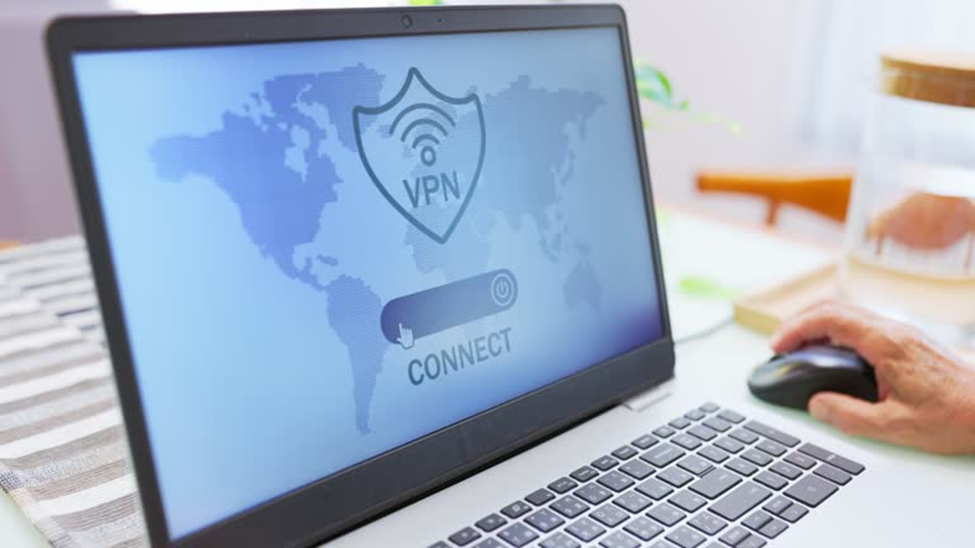
All Internet-connected devices have an IP address that they use for communications. Every device connected to the internet is assigned an IP address that can reveal your approximate location to websites and online services. A browser privacy tool masks your real IP address by routing your connection through a secure remote server, helping keep your identity more private.
This conceals your real location, which is essential to stop monitoring scripts and bad actors from connecting online activity to your household or personal device.
Protection on Open Public Wi-Fi Networks
Connecting to free public Wi-Fi in places like coffee shops, libraries, and airports brings convenience, but these open networks are notoriously insecure. It’s easy for cybercriminals on the same local network to surreptitiously watch open connections for sensitive information and personal data.
If your browser comes with a security feature, you should turn it on before you connect to the web to protect your connection from local eavesdroppers. Your internet connection remains encrypted, helping protect your data even when using public or unsecured Wi-Fi hotspots.
Blocking Invasive Web Tracking and Profiling

Over time, they compile detailed profiles based on your browsing habits, search history, and purchasing behaviour.
Operating a browser extension disrupts this persistent tracking cycle by masking your true identity and routing your connection through secure servers. Scrambling your digital signature makes it harder for trackers to link your various online activities, so your online habits remain private, and you get less targeted advertising.
Conclusion
Don’t need to be a computer genius or set up any complicated stuff to take control of your digital privacy. Installing a reliable extension inside your web browser offers immediate protection against everyday online threats.
Your personal data remains encrypted and protected, helping keep it secure whenever you connect to public Wi-Fi networks. Prioritising online privacy today ensures a safer, cleaner, and far more secure internet experience every time you go online.
READ MORE: clocktimes